Contract Maker: Legal Document
iPhone and iPad · Android
Draft contracts and agreements on your phone from ready-made templates
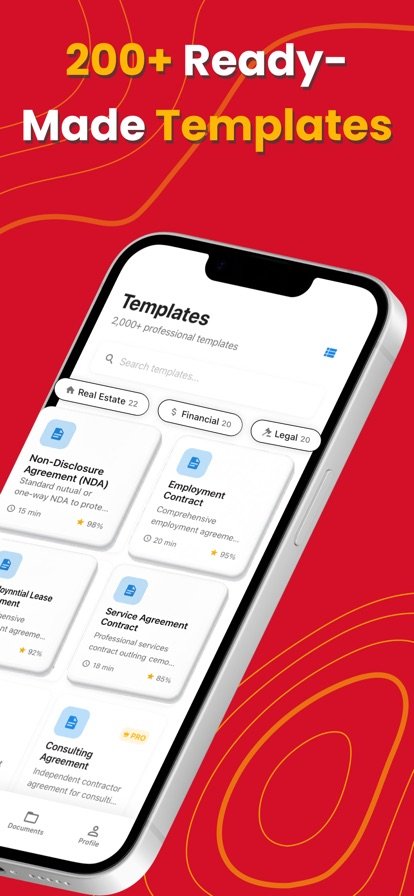
Contract Maker gives you a library of more than 200 contract templates that you fill in, adjust and export as a PDF, Word file or plain text.
About Contract Maker
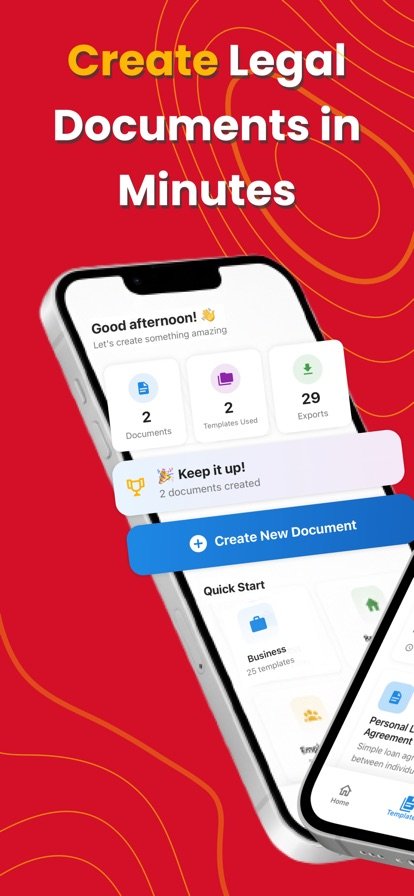
Starting a contract from a blank page is slow, and paying for help with every routine agreement adds up. Contract Maker gives you a starting point instead. Pick a template for the kind of agreement you need, whether that is a business contract, an NDA, a lease or an employment agreement, and the app walks you through filling in the details that make it yours.
Smart drafting suggests field entries as you go and offers jurisdiction-specific options, so the document fits where you are. When you are done, export it as a PDF, DOCX or TXT file and share it however you normally would. Because it runs on your phone, you can put together an agreement while you are away from your desk, and dark mode keeps it easy on the eyes late at night.
Features
200+ templates
A library of professionally drafted templates for business, real estate and personal agreements.
Common document types
Business contracts, employment agreements, NDAs, leases and more are all covered.
Smart drafting
Intelligent field completion helps you fill in names, dates and terms without retyping.
Jurisdiction options
Choose jurisdiction-specific options so the template reflects where the agreement applies.
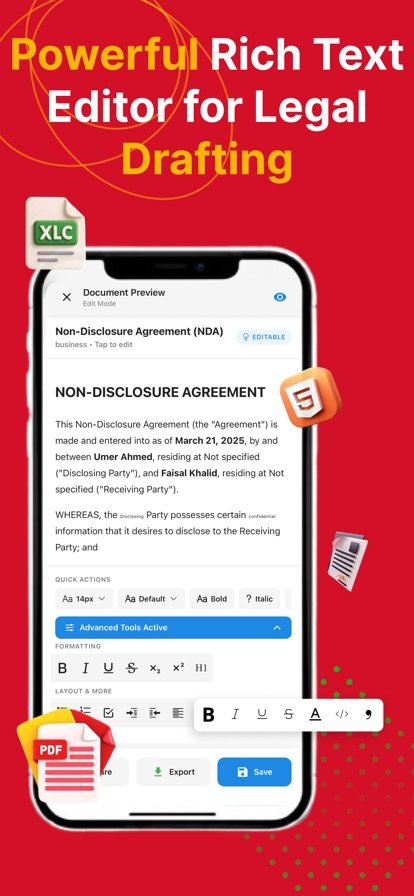
PDF, DOCX and TXT export
Save the finished document in the format you need and share it from your phone.
Dark mode
Work comfortably in any lighting.
How it works
- Browse the template library and pick the agreement you need.
- Fill in the parties, terms and jurisdiction options.
- Review the draft and make any edits.
- Export it as a PDF, DOCX or TXT file and send it on.
Questions
What kinds of contracts can I make?
The app includes more than 200 templates covering business contracts, employment agreements, NDAs, leases and other business, real estate and personal agreements.
Can I export a contract as a Word document?
Yes. You can export documents as DOCX, which opens in Word, as well as PDF and plain text (TXT).
How do I write an NDA on my phone?
Open Contract Maker, choose an NDA template, and fill in the names, dates and terms. Review the result, then export it as a PDF or DOCX to share with the other party.
Do I still need a lawyer?
The templates are a starting point, not legal advice. For agreements with a lot of money or risk involved, or if you are unsure how the law applies to your situation, have a qualified lawyer review the document before anyone signs.
Contract Maker provides document templates, not legal advice; for important or complex agreements, have a qualified lawyer review your document before signing.
Get Contract Maker
Available on iPhone and iPad and Android.