

PDF Signer: Fill & Sign Docs
iPhone and iPad · Android
Sign PDFs and fill out forms on your phone
PDF Signer lets you draw your signature, add dates and initials, fill in form fields and send the signed PDF, without printing, scanning or creating an account.
About PDF Signer
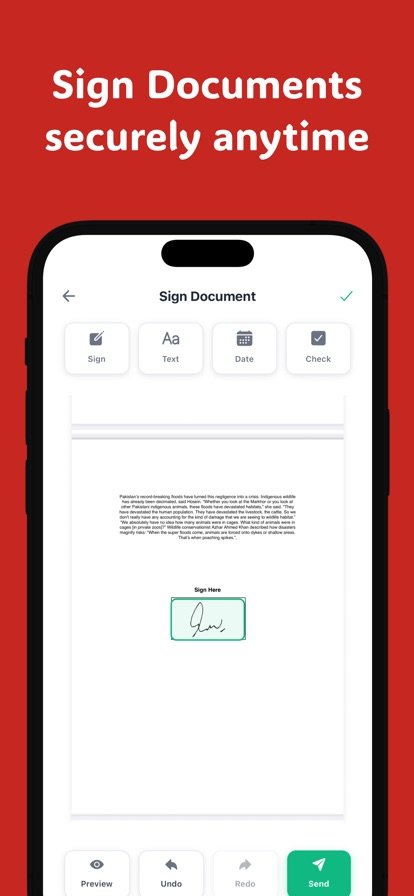
Printing a document just to sign it and scan it back is a chore, especially when you are away from a printer. PDF Signer skips those steps. Open the PDF, draw your signature with your finger or an Apple Pencil, drop it where it belongs, and share the signed copy by email, WhatsApp, Drive or any other app. Your signature is saved, so the next document takes a single tap.
Your files stay on your device and are not uploaded to the developer's servers. The app also works offline and does not ask you to sign up or log in. To keep things organized, every document is tracked as Draft, Pending or Signed, and you can save forms you use often as templates. PDF Signer is available in 20 languages.
Features
Draw and reuse your signature
Sign with your finger, or Apple Pencil on iPad, and save the signature for one-tap reuse.
Fields you can drag anywhere
Add initials, dates, names, email, phone, checkboxes and free text, and place them exactly where they go.
Multi-page and multi-signer
Sign long PDFs and documents that need signatures from more than one person.
Photos to PDF
Turn pictures from your gallery into a PDF and sign it.
Document tracking
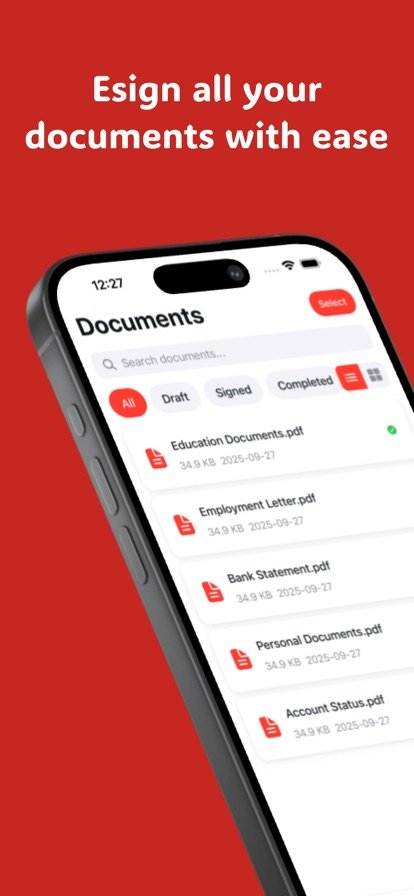
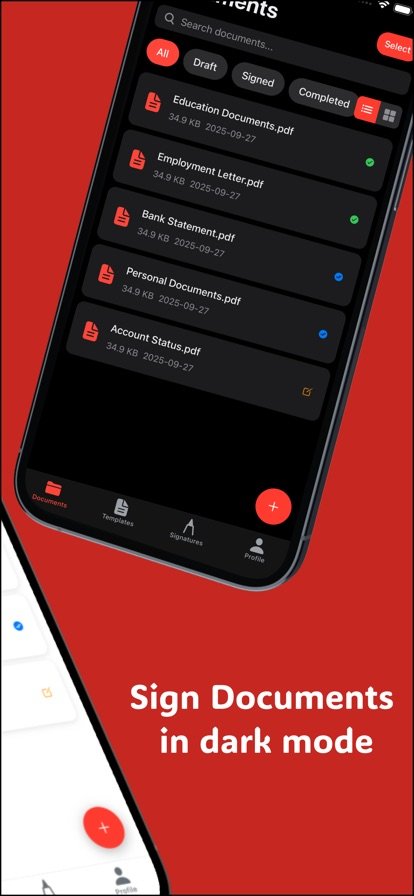
See which files are Draft, Pending or Signed, and search, sort and filter in grid or list view.
Templates and reminders
Save documents you use often as templates and get reminders so nothing is left unsigned.
Private and offline
Documents stay on your device, the app works offline, and no account is required.
How it works
- Open a PDF on your phone, or turn photos from your gallery into one.
- Draw your signature and drag it, along with any dates or initials, into place.
- Fill in remaining text fields and checkboxes.
- Export the signed PDF and share it by email, WhatsApp, Drive or another app.
Questions
How do I sign a PDF on my iPhone?
Open the PDF in PDF Signer, draw your signature with your finger or Apple Pencil, and drag it to the signature line. Add a date or initials if needed, then export the signed file and share it from the app.
How do I sign a PDF on Android?
Open the document in PDF Signer, draw your signature with your finger and place it on the page. When you are done, share the signed PDF by email, WhatsApp, Drive or any other app.
Does PDF Signer work offline?
Yes. The app works offline, and it does not require you to sign up or log in.
Are my documents uploaded anywhere?
No. According to the developer, your documents stay on your device and nothing is uploaded to their servers. You choose where to send the signed file when you share it.
Can I fill out a PDF form, not just sign it?
Yes. You can type text anywhere on the page, fill in forms and applications, and add checkboxes, dates, names, email and phone fields.
Get PDF Signer
Available on iPhone and iPad and Android.